
Web Lab
Build interactive web apps with AI support
Web Lab is an environment where students create real websites and apps using HTML, CSS, and JavaScript with AI as a co-creator. It’s designed to help students move from ideas to working projects while learning how they work.


Educators voted. CodeAI won four 2026 Best of AI awards.
Web Lab at a glance
Ages: 13, 14, 15, 16, 17, 18
Level: Beginner
What you can make: HTML, CSS, and JavaScript websites and apps
Devices: Laptop, Chromebook
Browsers: All modern browsers
Accessibility: Keyboard and Screen Reader Accessible
Languages supported: English
Extensive documentation detailing specific functionality and use is available for Web Lab.
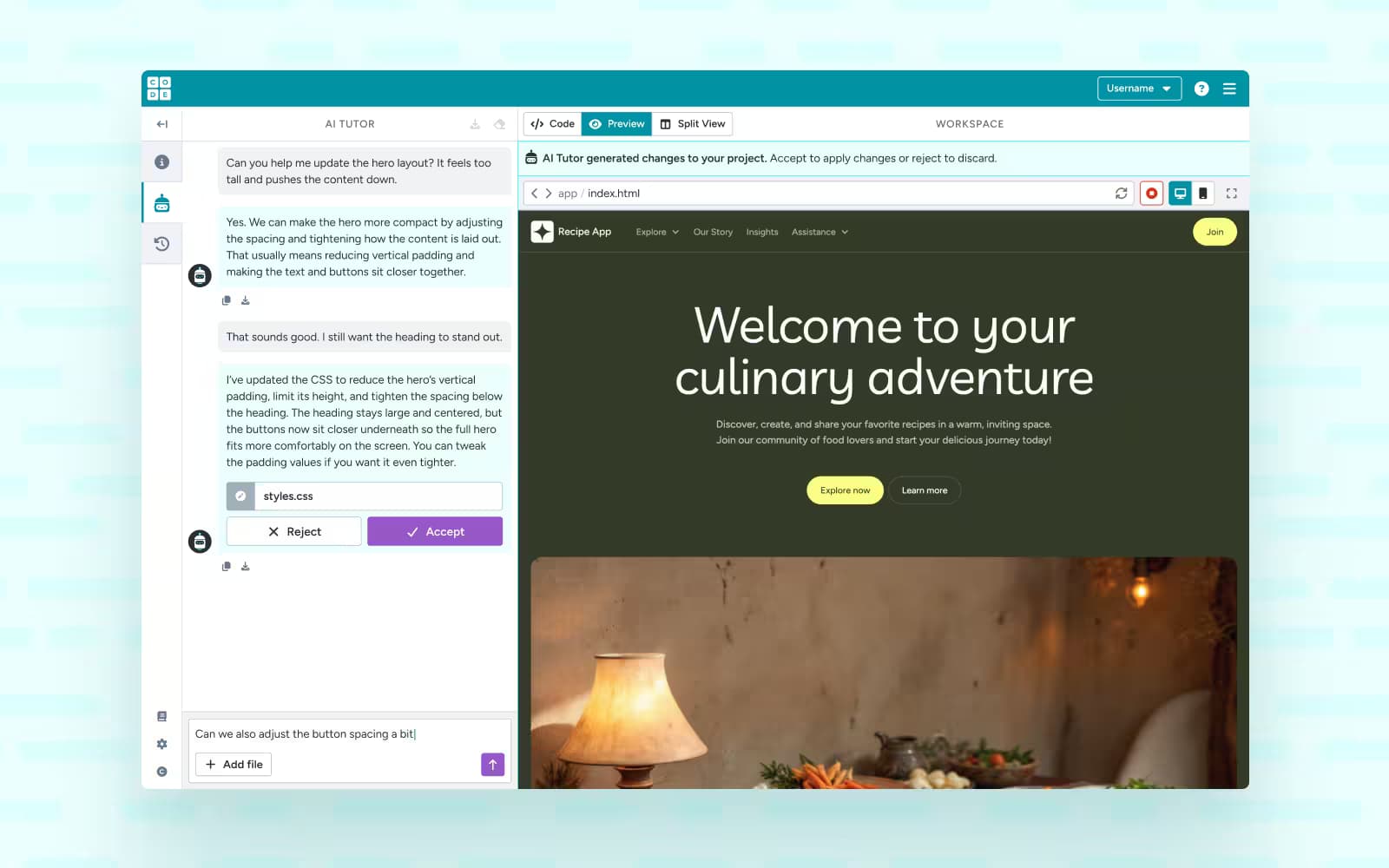
Build with AI
AI in Web Lab helps generate HTML and CSS while students build, acting as a co-creator rather than a shortcut. By explaining ideas, suggesting improvements, and helping debug, it supports understanding and confidence as students shape their own projects.

Web Lab utilizes our AI Tutor system to support safety and privacy, learning goals, and to manage access.
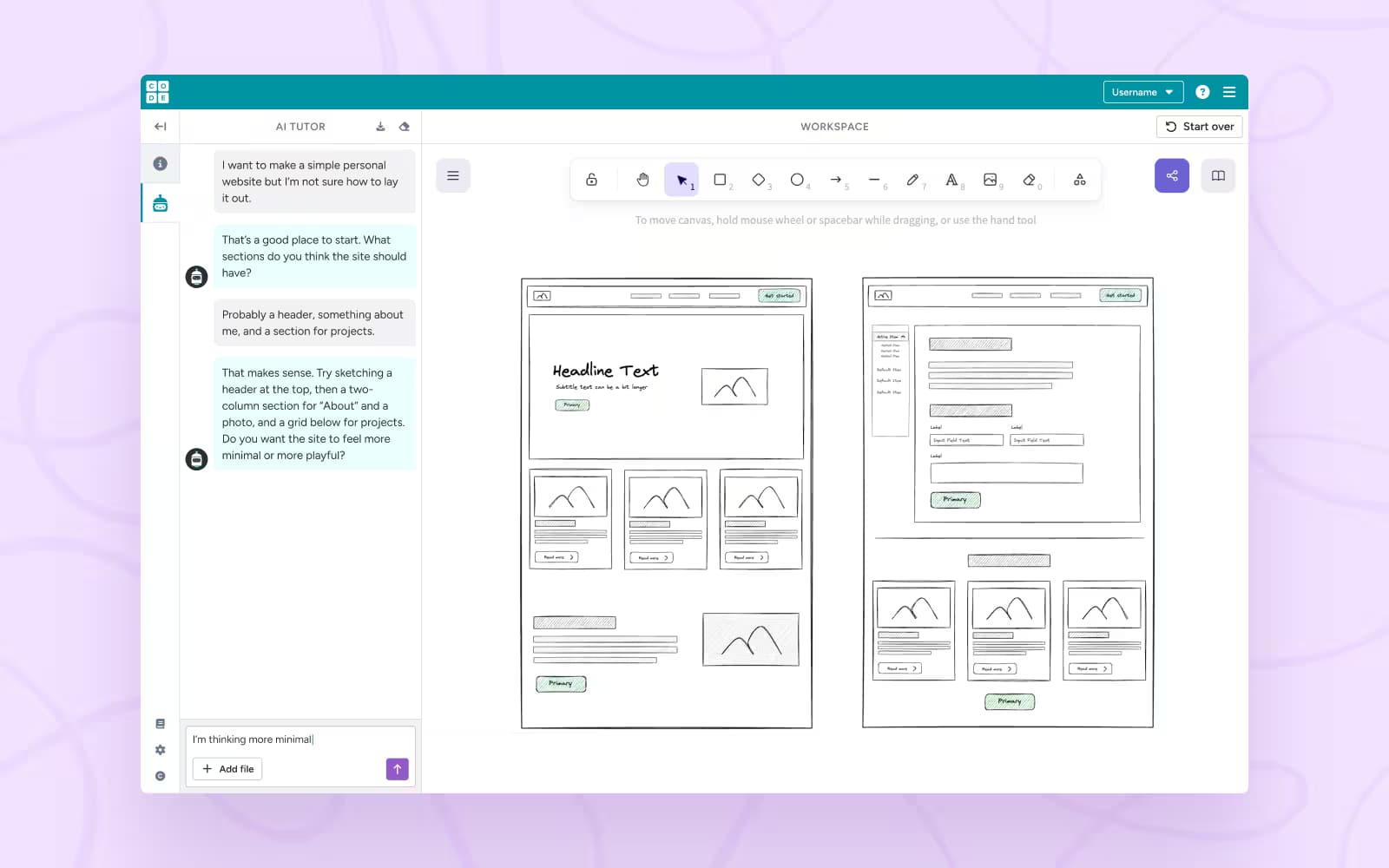
Plan with Sketch Lab
Sketch Lab is a simple whiteboard where students use AI to brainstorm ideas, sketch layouts, and plan designs before writing code. That work can be used as context in Web Lab, helping projects start with clearer direction and intent.
Only available inside AI Foundations curriculum.
See what you can make in Web Lab
Check out the starter projects below to see how Web Lab works, you can also remix them and make them your own!
Grow a Plant

Care for your plant and help it grow through different stages.
Personal Website

Personal website to showcase interests, projects, or skills.
Task Tracker
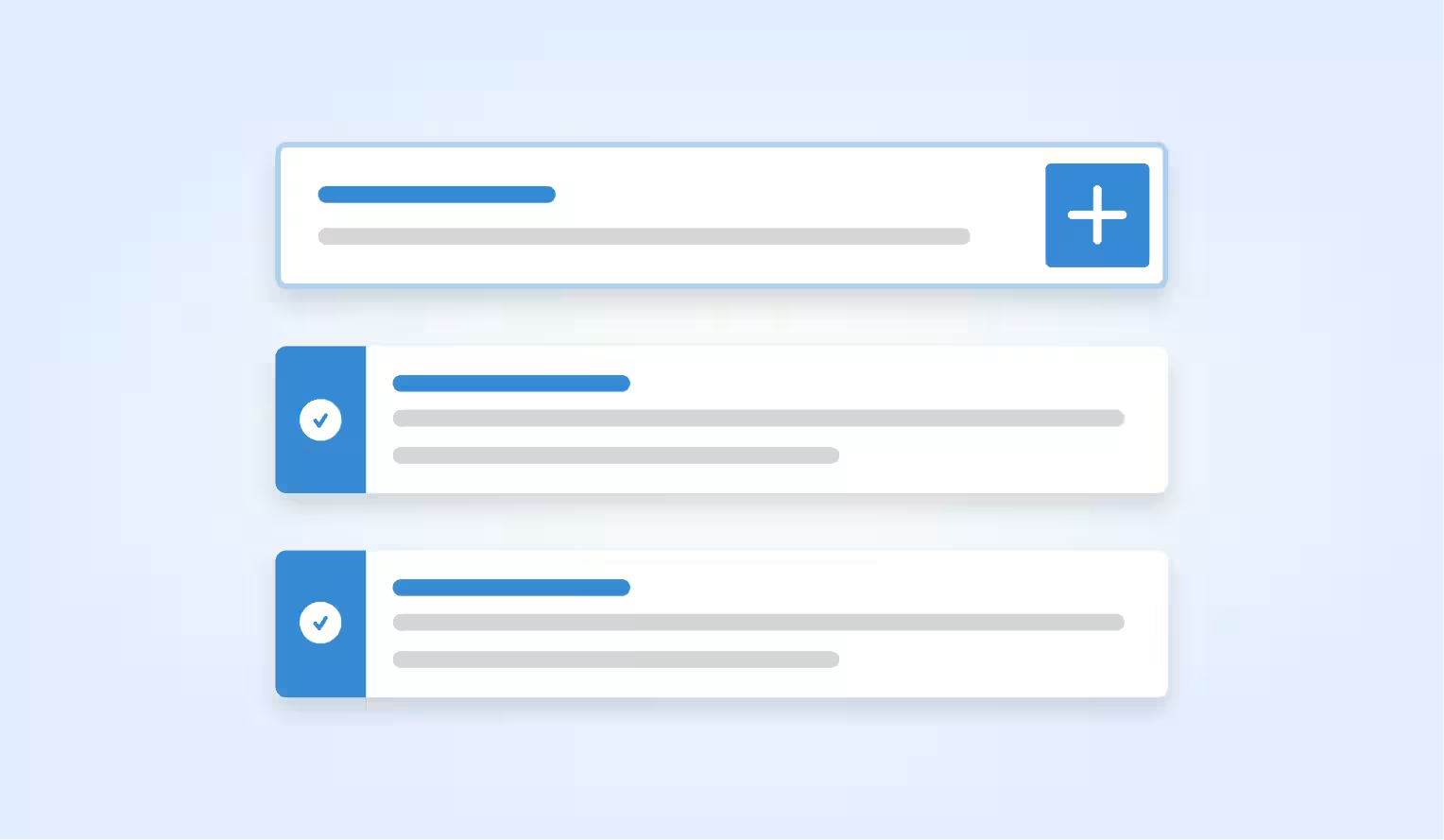
Simple interactive app that lets users add, manage, and complete tasks.
Start from scratch
Begin with a blank project and use AI to help you design, build, and refine your own idea.
Web Lab in our curriculum
Looking for a step by step introduction to making websites and web apps? Our curriculum will help you learn everything you need to get started with Web Lab.
Grades 8-12
Intro to Web Lab
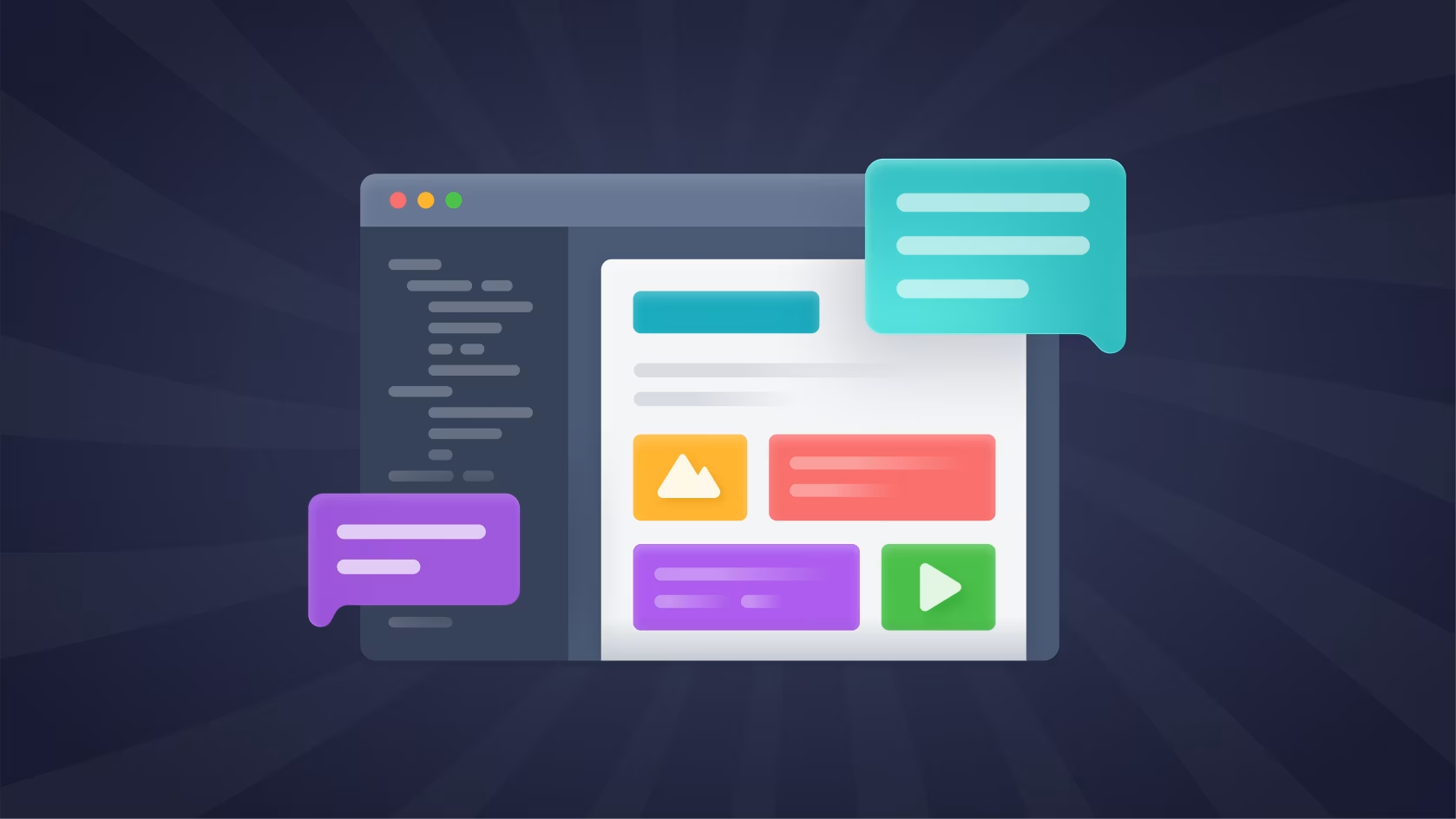
This self-paced lesson introduces students to building webpages in Web Lab by working with AI Tutor as an AI Assistant and collaborative partner.
Grades 9-12
AI Foundations Semester 2
Students design and build interactive web apps using HTML, CSS, and JavaScript while learning to collaborate thoughtfully with AI through design, coding, and project work. You must join the pilot to access the curriculum. No commitment required.
Self-paced professional learning for teachers
Looking for flexible professional learning to help you prepare to bring Web Lab 2 to your students? Our free self-paced professional learning will help you learn everything you need to get started teaching.

Action Block Title
Action block description goes here.
Frequently Asked Questions
Students interact with AI Tutor directly inside the lab to ask questions, generate code, request changes, and explore ideas. Tutor responds with guidance and code suggestions that students can review, accept or reject, and build on themselves.
Yes. Projects in Web Lab are built using real HTML, CSS, and JavaScript. AI Tutor helps students work with these languages, but the resulting projects are standard web files that behave like real websites.
Web Lab is designed for middle and high school students who are ready to explore text-based web development. It works well for classrooms that want to encourage creativity, experimentation, and problem-solving with support along the way.
Web Lab focuses on building projects using local HTML, CSS, and JavaScript files. External libraries and imports are limited to keep projects safe, focused, and appropriate for learning.
The AI Tutor uses the Gemini Flash 2.5 model to generate its responses. A dedicated safety layer using the Open AI ChatGPT 4o Mini model moderates both incoming and outgoing messages to maintain a safe classroom environment.
We’re constantly improving AI Tutor and welcome feedback from teachers and students.
You can:
Direct feedback: Use the teacher view to provide feedback on inappropriate/appropriate chats
Email us at artificialintelligence@code.org to report bugs or safety concerns.
Contact support at support@code.org for technical issues.
Your input helps us make AI Tutor even better for future learners.
AI Tutor includes multiple layers of protection to ensure student safety and classroom appropriateness:
Safety moderation layer: Every student message and AI response is reviewed through a safety system that filters out inappropriate content before it appears.
Age-appropriate tuning: The tutor’s behavior is calibrated to different student levels to ensure it provides the right type of help at the right time.
Teacher visibility: Teachers can view student interactions to monitor engagement and ensure the tool is being used responsibly.
While the AI Tutor is designed to be a safe and supportive learning companion, generative AI can sometimes make mistakes or produce unexpected answers. We encourage teachers and students to treat these moments as learning opportunities and to share feedback so we can continue improving the experience.
No. The AI Tutor does not use student interactions to train third-party models.
CodeAI prioritizes the privacy and safety of all users. We do not share or sell student data to third parties. All interactions with the AI Tutor are stored securely and automatically deleted after 90 days.
For more information, visit our Artificial Intelligence Privacy Policy.
The AI Tutor is available in select Code.org curriculum levels where AI guidance is enabled.
Students can interact with the AI Tutor directly within supported levels as part of their learning experience.
Teachers can preview the AI Tutor experience and monitor how students are using it.
Note: If a student or teacher doesn’t have access in their section or curriculum, they may see a message indicating that AI Tutor isn’t available on that level yet.
AI models can occasionally make factual or logical mistakes. When this happens, try these steps:
Encourage students to reflect and verify the AI’s response rather than copy it directly.
Use the moment to discuss how AI generates answers and how to identify and fix errors.
Share any concerning or confusing behavior by contacting us at artificialintelligence@code.org.
Explore more
Paragraph
Explore our labs
Our labs offer supportive programming environments that allow students to create animations, design games, build apps and more!
Explore widgets
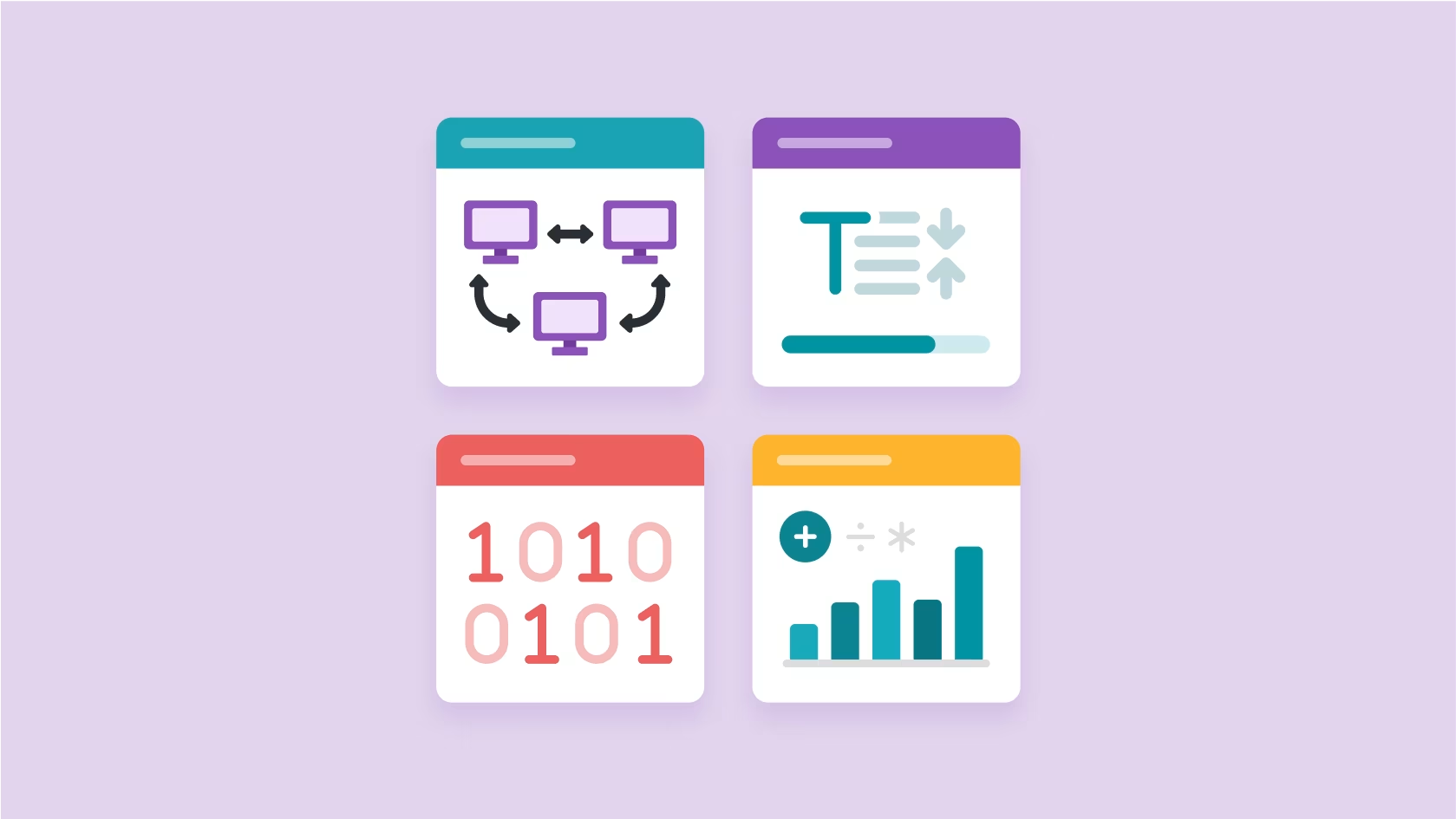
Delve into the fundamentals of computer science with our interactive widgets. These tools make abstract principles tangible and engaging.
Curriculum catalog
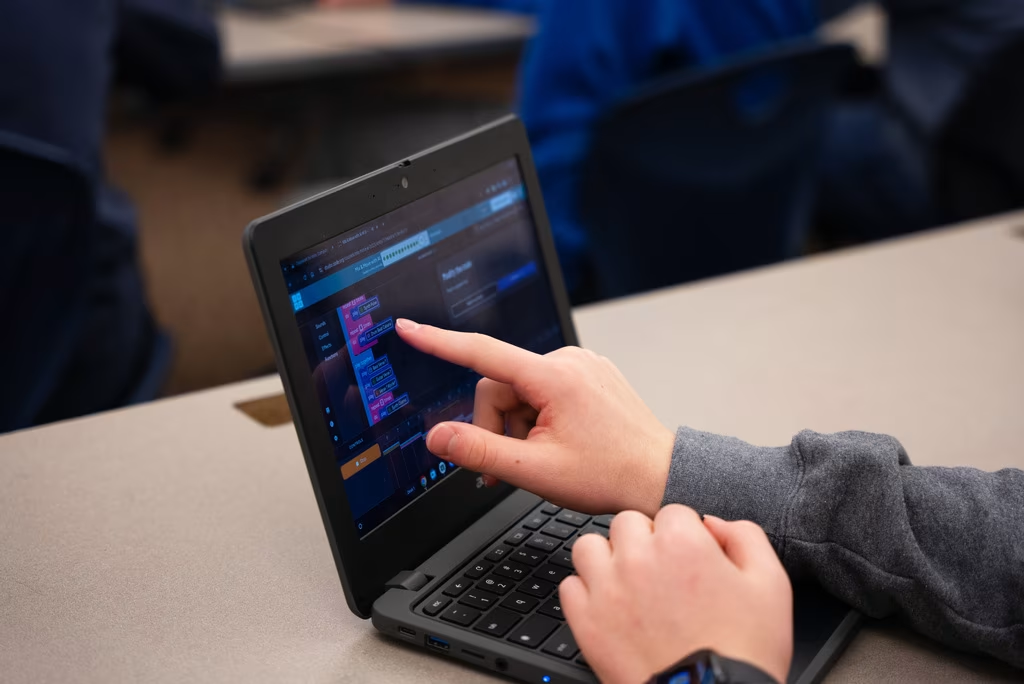
Comprehensive curriculum offerings for every grade and experience level featuring robust structured and self-paced learning options.