
Meet AI Tutor
Support for every student, right when they need it.
Our new AI-powered learning companion is built into select courses to help guide students, strengthen problem-solving skills, and reduce teacher load.

AI Tutor helps students learn how to think — not just what to type.
Designed by the same experts who built CodeAI’s computer science curriculum, AI Tutor uses research-backed learning science and Socratic questioning to support students without giving away answers.
Why you need it
More support. Less repetition. Better learning.
AI Tutor supports students as they work through challenges and helps teachers manage classroom demand.
- Provides just-in-time guidance so students don’t get stuck or disengaged
- Reinforces core computer science concepts while introducing responsible AI use
- Reduces repetitive help requests, freeing teachers to focus on deeper instruction
- Encourages active problem-solving, not shortcut answers

How we built it
Designed to help students think through problems.
Here’s how AI Tutor is designed to support learning:
- Embedded directly into select CodeAI lessons, not a separate chatbot
- Designed using Socratic methods to prompt thinking, debugging, and reflection
- Tuned at the individual level to provide the right amount of scaffolding for each task
- Powered by advanced AI models (Gemini Flash 2.5 and Open AI ChatGPT-4o Mini) with education-specific design
Why it's safe
Built for classrooms, with safety at the core.
AI Tutor prioritizes student safety and privacy while giving teachers visibility into how it’s used. Here’s how:
- Multi-layer safety moderation reviews every message before it appears
- Age-appropriate behavior calibrated for different student levels
- No student data is sold or used to train AI models
- Teacher visibility into interactions for transparency and oversight

Why you need it
More support. Less repetition. Better learning.
AI Tutor supports students as they work through challenges and helps teachers manage classroom demand.
Provides just-in-time guidance so students don’t get stuck or disengaged
Reinforces core computer science concepts while introducing responsible AI use
Reduces repetitive help requests, freeing teachers to focus on deeper instruction
Encourages active problem-solving, not shortcut answers

Why you need it
AI Tutor supports students as they work through challenges and helps teachers manage classroom demand. Provides just-in-time guidance so students don’t get stuck or disengaged Reinforces core computer science concepts while introducing responsible AI use Reduces repetitive help requests, freeing teachers to focus on deeper instruction Encourages active problem-solving, not shortcut answers
More support. Less repetition. Better learning.
AI Tutor supports students as they work through challenges and helps teachers manage classroom demand. • Provides just-in-time guidance so students don’t get stuck or disengaged • Reinforces core computer science concepts while introducing responsible AI use • Reduces repetitive help requests, freeing teachers to focus on deeper instruction • Encourages active problem-solving, not shortcut answers Join the pilot first by clicking the button below, then you'll be able to access and assign the curriculum.
Grades 6-12
Pilot AI Tutor in AIF, CSD and CSP
Turn on AI Tutor for AI Foundations, CS Discoveries and CS Principles to support students in our labs. Students can ask questions, explore examples, get hints, and search documentation as they learn core programming concepts. For students age 13 +
Where AI Tutor is available today
Currently available in select units:
January
Where AI Tutor is available today
AI Tutor is currently available in select units of the following curricula:
Intro to Web Lab
This self-paced lesson introduces students to building webpages in Web Lab by working with AI Tutor as an AI Assistant and collaborative partner.
AI Foundations: Exploring AI & CS (Semester 1)
Programming units: available in Python Lab, opt-in only | Non-programming units: coming soon
AI Foundations: Designing and Building with AI (Semester 2)
Programming units: available in Web Lab, opt-in only | Non-programming units: coming soon
Computer Science Discoveries
Programming units: available in Game Lab, opt-in only | Non-programming units: coming soon
Computer Science Principles
Programming units: available in App Lab, opt-in only | Non-programming units: coming soon

How to Enable AI Tutor
Watch the video or read our support article for an up-to-date walkthrough on how to enable and get started with AI Tutor in your classroom.
FAQ
The AI Tutor is available in select Code.org curriculum levels where AI guidance is enabled.
Students can interact with the AI Tutor directly within supported levels as part of their learning experience.
Teachers can preview the AI Tutor experience and monitor how students are using it.
Note: If a student or teacher doesn’t have access in their section or curriculum, they may see a message indicating that AI Tutor isn’t available on that level yet.
CodeAI prioritizes the privacy and safety of all users. We do not share or sell student data to third parties. All interactions with the AI Tutor are stored securely and automatically deleted after 90 days.
For more information, visit our Artificial Intelligence Privacy Policy.
No. The AI Tutor does not use student interactions to train third-party models.
AI Tutor includes multiple layers of protection to ensure student safety and classroom appropriateness:
Safety moderation layer: Every student message and AI response is reviewed through a safety system that filters out inappropriate content before it appears.
Age-appropriate tuning: The tutor’s behavior is calibrated to different student levels to ensure it provides the right type of help at the right time.
Teacher visibility: Teachers can view student interactions to monitor engagement and ensure the tool is being used responsibly.
While the AI Tutor is designed to be a safe and supportive learning companion, generative AI can sometimes make mistakes or produce unexpected answers. We encourage teachers and students to treat these moments as learning opportunities and to share feedback so we can continue improving the experience.
AI models can occasionally make factual or logical mistakes. When this happens, try these steps:
Encourage students to reflect and verify the AI’s response rather than copy it directly.
Use the moment to discuss how AI generates answers and how to identify and fix errors.
Share any concerning or confusing behavior by contacting us at artificialintelligence@code.org.
We’re constantly improving AI Tutor and welcome feedback from teachers and students.
You can:
Direct feedback: Use the teacher view to provide feedback on inappropriate/appropriate chats
Email us at artificialintelligence@code.org to report bugs or safety concerns.
Contact support at support@code.org for technical issues.
Your input helps us make AI Tutor even better for future learners.
The AI Tutor uses the Gemini Flash 2.5 model to generate its responses. A dedicated safety layer using the Open AI ChatGPT 4o Mini model moderates both incoming and outgoing messages to maintain a safe classroom environment.
AI Tutor is designed using Socratic principles—it guides students by asking questions, encouraging exploration, and prompting reflection instead of simply giving answers. This approach helps students strengthen their problem-solving skills and build confidence as independent learners.
AI Tutor is currently available only in English.
Additional resources
Latest Releases on Code.org
Curriculum catalog
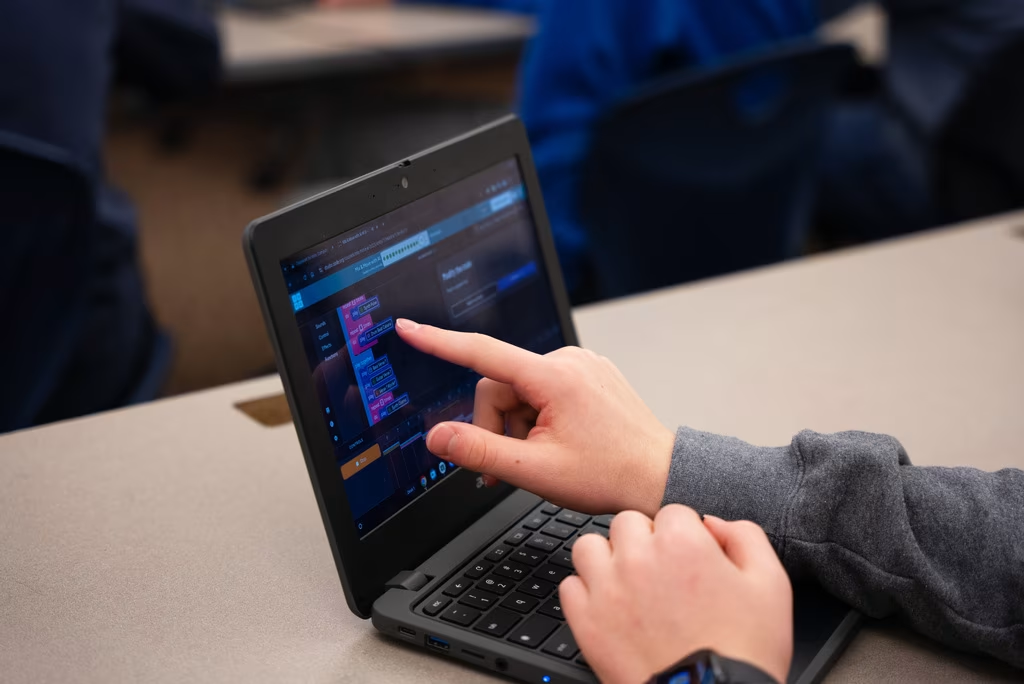
Comprehensive curriculum offerings for every grade and experience level featuring robust structured and self-paced learning options.
Video library
Explore our large library of engaging and informative videos to learn about key AI and computer science concepts on a broad range of topics.
Professional Learning

Flexible, high-quality training that helps build confidence and equips teachers to effectively teach computer science with our curriculum.