
Software and technology are everywhere - in our computers, in our pockets, in our cars, and used in banking, communications, entertainment, transportation, and science. But very few kids are learning how to actually create technology - games, apps and programs. Even fewer US schools teach computer science. Women are underrepresented in this field, and so are black and Hispanic Americans. Computer science is foundational for every student, whether they want to pursue a career in software, or to be a more well rounded citizen in the 21st century. That’s why we’re proud to introduce classrooms to some of the basics of computer science using Code Studio, an online learning platform by Code.org.
What is Code Studio?
Code Studio is a fun, creative platform for learning basic coding and computer science! Using a blended learning model, your children learn with a mix of online activities (on the computer) and “unplugged” classroom activities that use no computer at all.
This format helps nurture creativity, problem solving, collaboration, and logic through interactive tutorials, featuring short video lectures and game-like puzzles.
What is Computer Science Principles?
Code.org's year-long, high school Computer Science Principles course is designed to be far more than a traditional introduction to programming - it is a rigorous, engaging, and approachable course that explores many of the big, foundational ideas of computing so that all students understand how these concepts are transforming the world we live in.

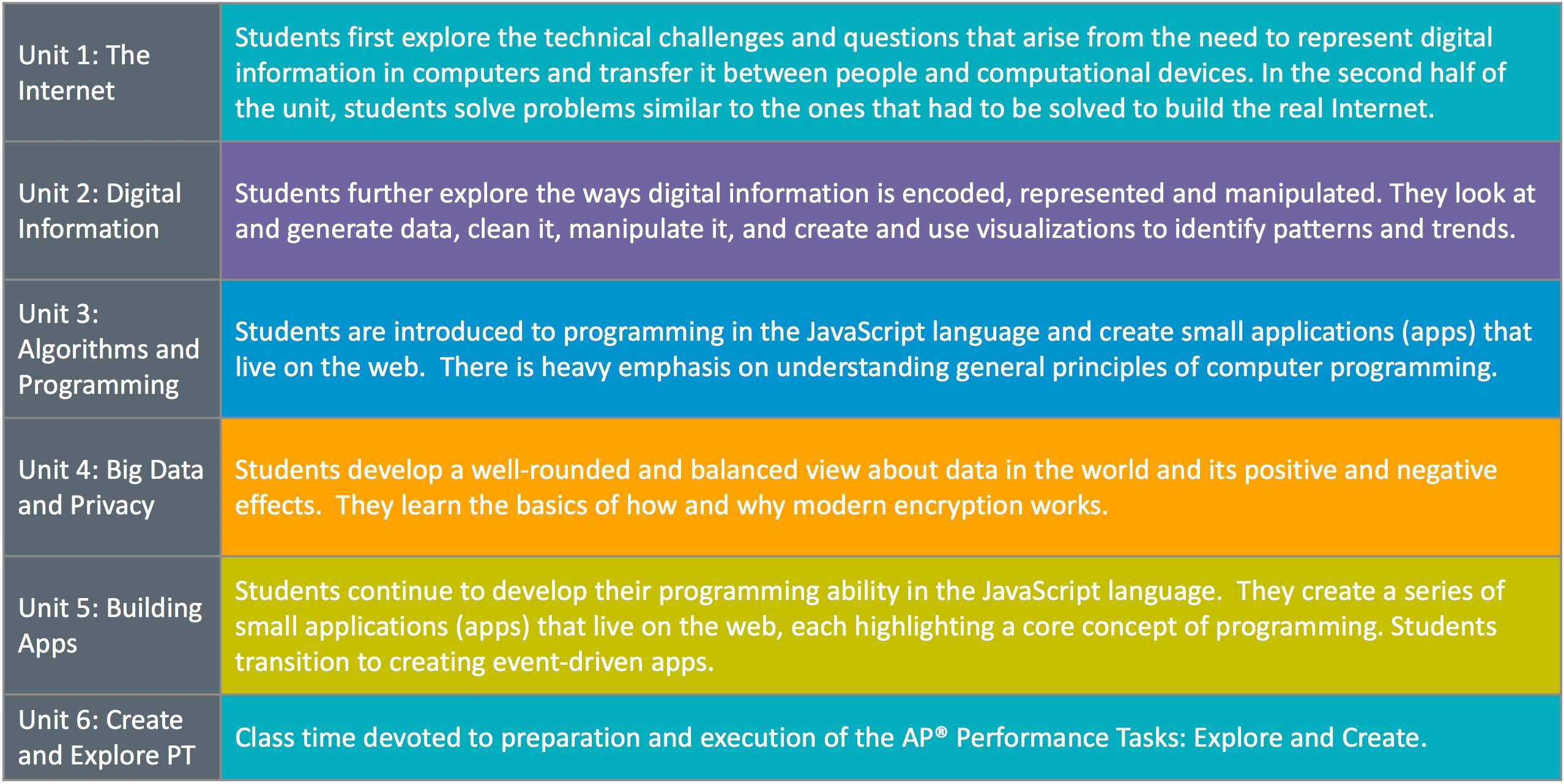
Students will study many "Big Ideas" of computing:
With an online course, students are able to benefit from a truly modern educational experience. For example, Code Studio is able to:
- Make tutorials smarter and more personalized
- Use data to identify where students get stumped and improve puzzles
- Use smart hints to guide students with custom answers to common mistakes
Student login - for access outside the classroom
Because this is an online course, students can log in from outside the classroom - from a computer at home, or in the library. For our classroom to participate in this course, students have created Code Studio accounts.
Protecting student privacy
Code.org assigns the utmost importance to student safety and security and has designed Code Studio to maximize student privacy. The list below summarizes what student data is stored and protected by Code.org, and how it is used. You can find further details at https://code.org/privacy.
Data that Code.org collects from students participating in the course:
- Student display name (e.g. “John S” or “Cool coder”)
- Age (to protect the privacy of the youngest learners)
- Login date/time and other technical information (for debugging purposes)
- Progress in the course, including code written to solve programming activities, and written responses to educational prompts (to display reports for students and teachers)
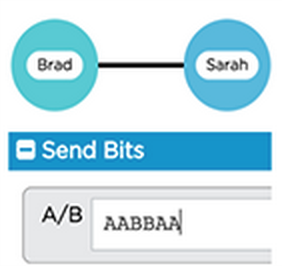
- For exploring concepts related to how the Internet works, students will use a tool called the "Internet Simulator." This tool enables students to send short messages (simulating Internet packets) to other students within the classroom section. All messages are deleted after two hours of class inactivity, or upon a manual reset by the teacher.
Optional data:
- Scrambled “hash” of email address. If a student creates an account directly (without a parent or teacher), they will login using their email address, but Code.org will never receive the actual email address, only a scrambled “hash” that can’t be converted back to the original. Learn more at http://code.org/emailprivacy.
- Gender or race (to anonymously summarize aggregate participation in computer science, to track progress towards increasing diversity in the field)
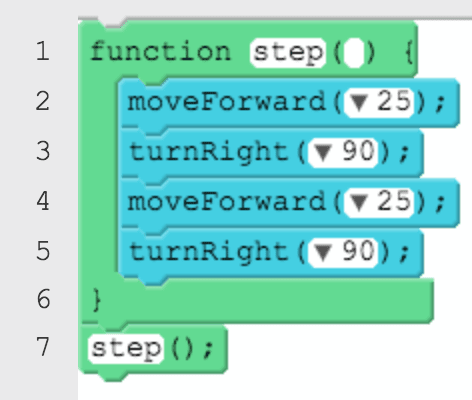
- As part of “App Lab,” the in-browser programming tool used in this course, students can optionally upload custom photos, sound, and videos to use within the apps that they create and enter data when using other students apps
For more information on Code.org and Code Studio, visit https://code.org.
